PDF & eBook Page Extractor
A downloadable utility
A simple visual tool for extracting exactly the pages you need from documents, eBooks and comic archives.
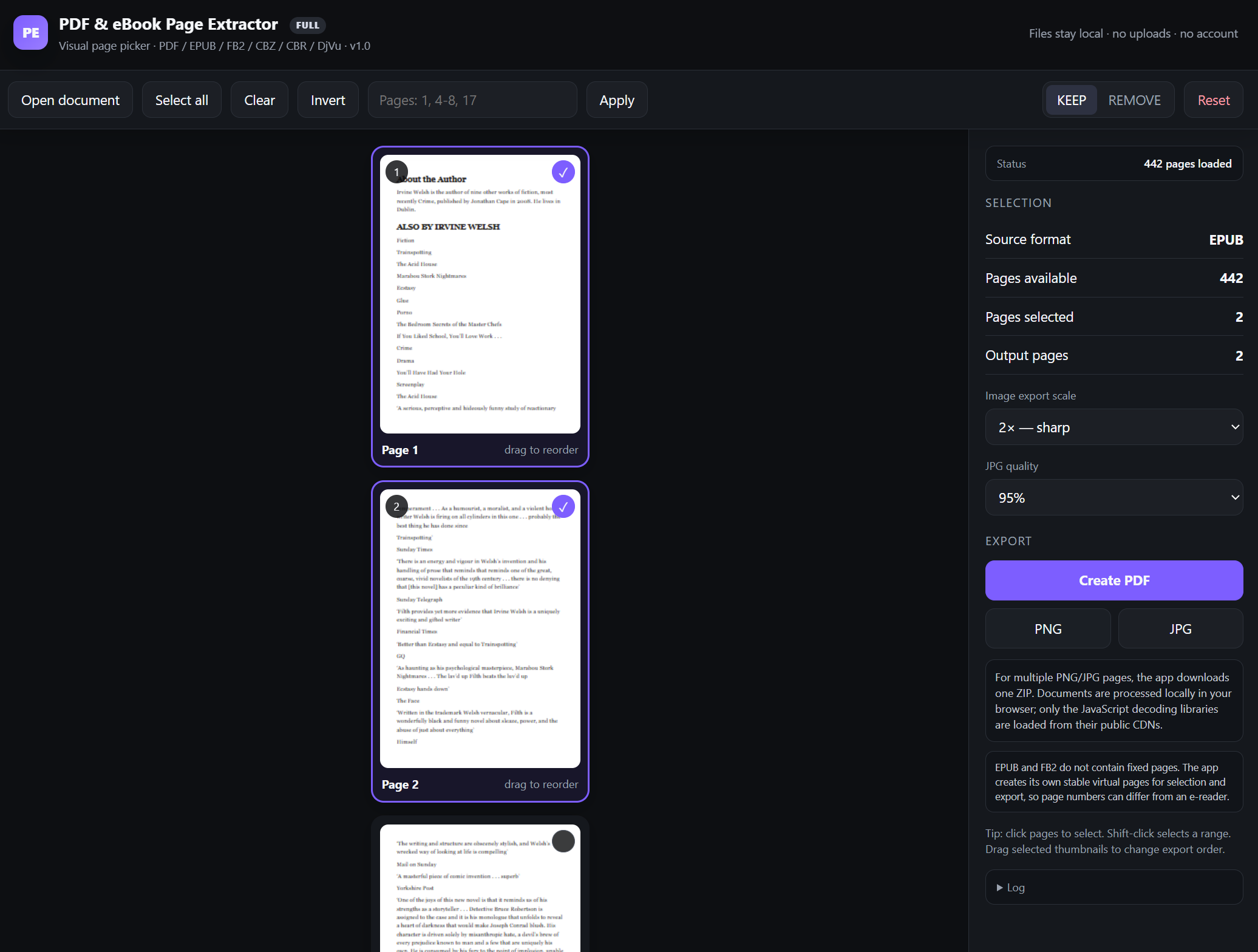
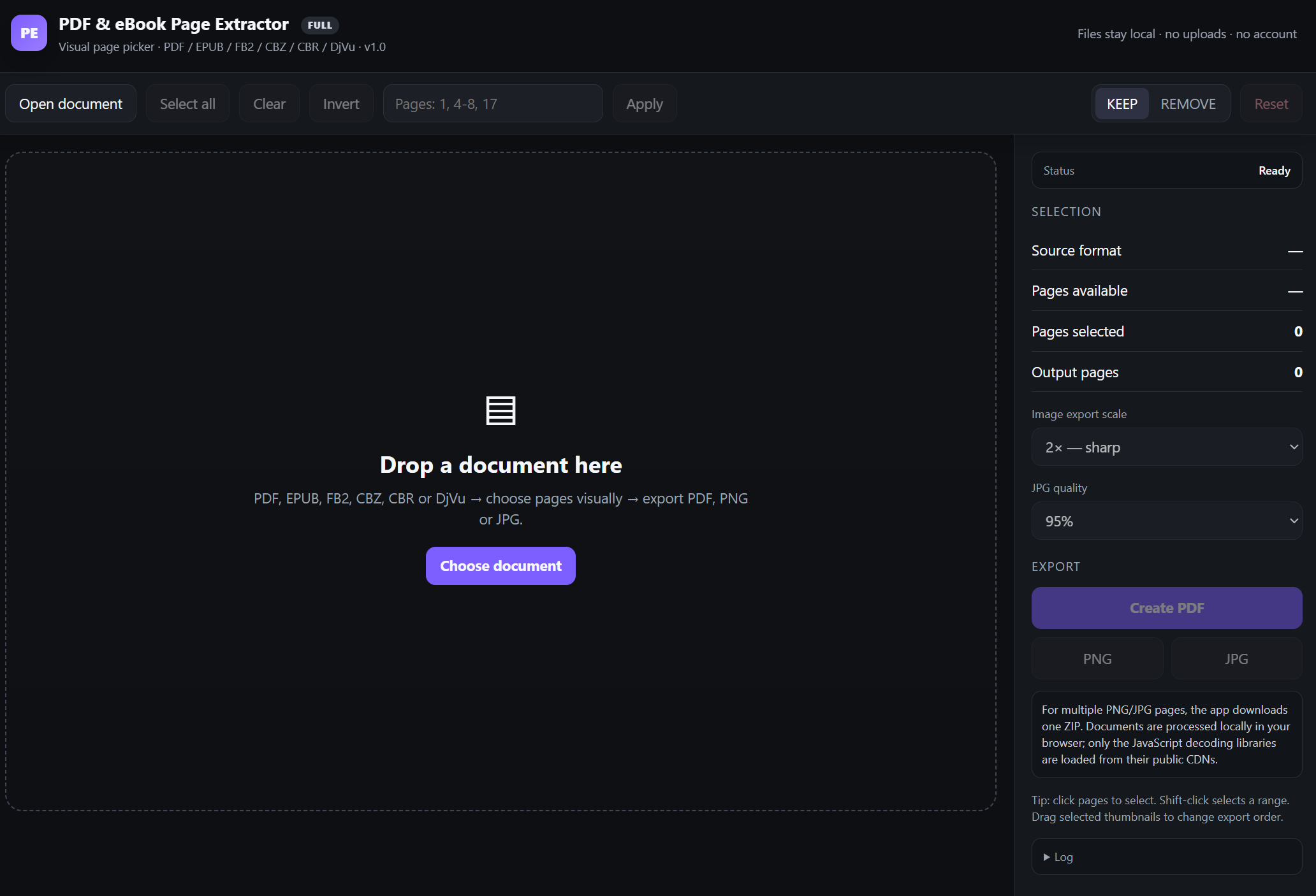
Open a file, browse its pages as thumbnails, select what you want to keep or remove, reorder pages if needed, and export the result.
Supported input formats
- EPUB
- FB2
- CBZ
- CBR
- DjVu / DJV
Export formats
- PNG
- JPG
Multiple PNG or JPG pages are automatically packaged into a ZIP.
Features
- Visual page thumbnails
- Select individual pages
- Shift-click to select ranges
- Enter ranges such as
1, 4-8, 17 - Select All / Clear / Invert
- KEEP and REMOVE modes
- Reorder selected pages
- Export selected pages to a new PDF
- Export pages as PNG or JPG
- Adjustable image quality and resolution
- Progress indicator for larger documents
- Cancel long operations
- Drag & drop support
No installation required
PDF & eBook Page Extractor is a portable browser-based utility.
- Download the ZIP.
- Extract it anywhere.
- Open
index.htmlin a modern browser such as Chrome or Edge. - Drop your document into the window.
No installer is required.
No Python, Node.js or other development tools need to be installed.
Privacy
Your documents are processed locally in your browser.
Files are not uploaded to a document-processing server and the application does not require an account.
The current release loads several application libraries from the internet when the tool starts, so an internet connection is currently required to launch it.
EPUB and FB2 note
EPUB and FB2 books do not contain fixed physical page numbers.
PDF & eBook Page Extractor creates visual pages from the book content so they can be selected and exported. Page numbers may therefore differ from those shown by another eBook reader.
Demo version
The Demo includes all supported input formats and lets you test the complete workflow.
Demo exports are limited to the first 5 output pages.
The Full version removes this limit.
Typical uses
- Extract several pages from a large PDF
- Remove unwanted PDF pages
- Turn PDF pages into JPG or PNG images
- Extract pages from scanned DjVu books
- Convert selected comic pages from CBZ or CBR
- Extract sections of EPUB or FB2 books
- Reorder pages and create a smaller PDF
- Quickly save only the pages you actually need
Simple, focused, and built for one job: pick the pages you want and export them.
Purchase
In order to download this utility you must purchase it at or above the minimum price of $4.99 USD. You will get access to the following files:
Download demo
Leave a comment
Log in with itch.io to leave a comment.